Imaging
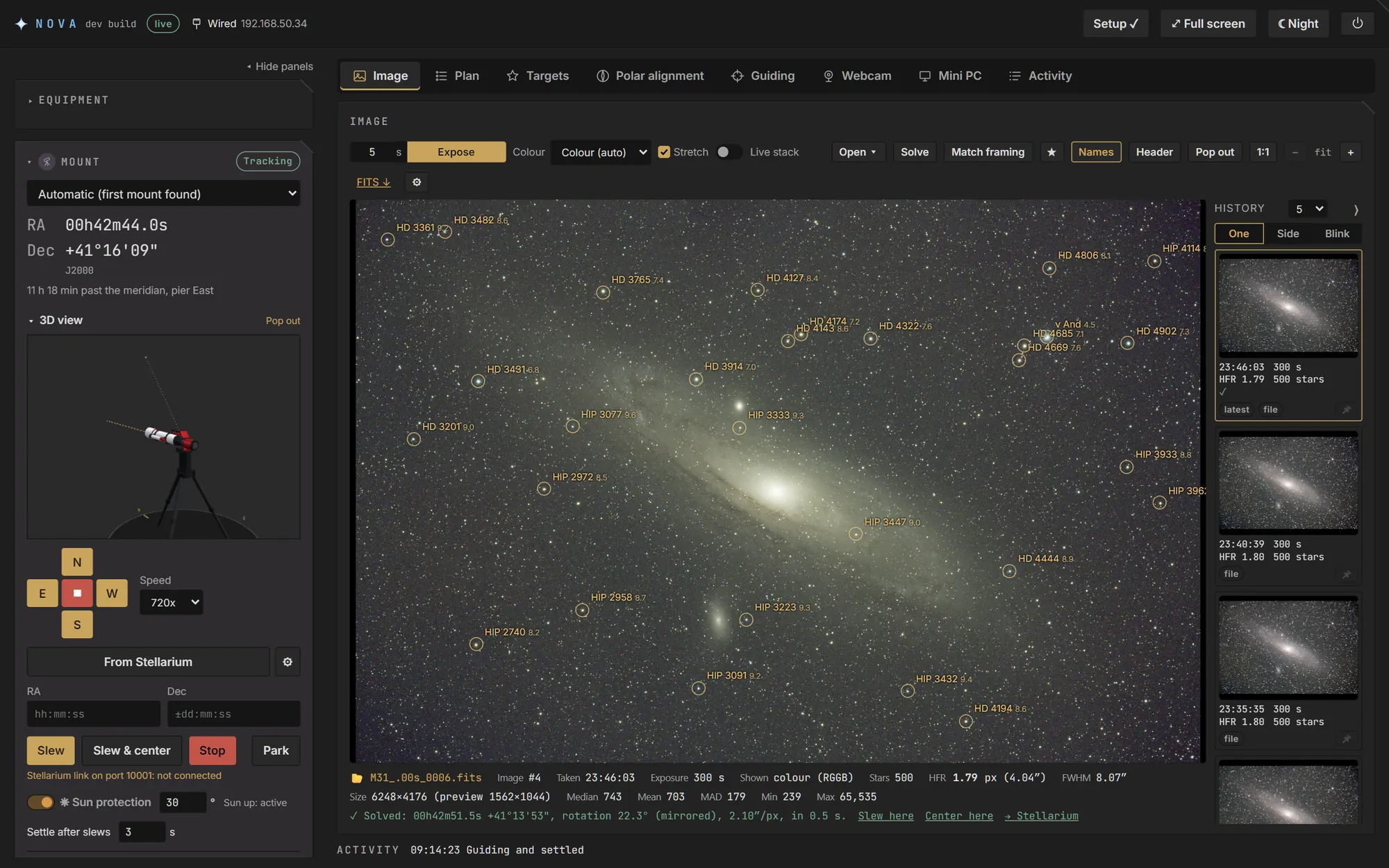
Exposures with cooling, gain, offset and binning. Stretched colour previews, with stars, HFR and FWHM for every frame. An image history to compare side by side or blink. Optional live stacking.
For Linux, on a mini PC or a Raspberry Pi
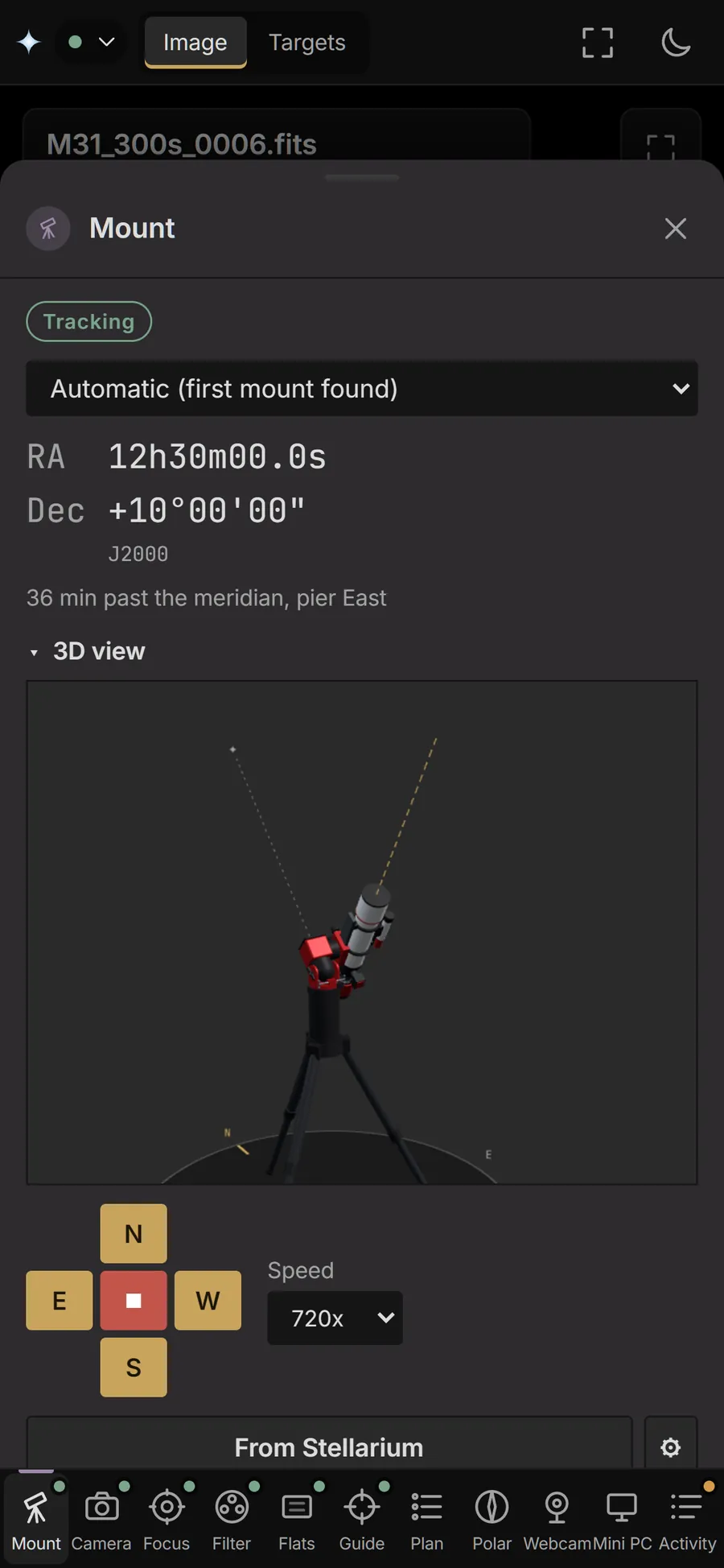
NOVA runs on a small computer at the telescope and controls your mount, cameras, focuser, filter wheel, rotator and flat panel through INDI. You use it from a browser on any computer, tablet or phone on the same network, with nothing to install there.
Free and open source (GPL 3). Inspired by N.I.N.A.
Everything runs on the computer at the telescope, so the work carries on when your laptop sleeps or the Wi-Fi drops.
Exposures with cooling, gain, offset and binning. Stretched colour previews, with stars, HFR and FWHM for every frame. An image history to compare side by side or blink. Optional live stacking.
Sync, slew and centre on a target to within an arcminute with ASTAP, and see the stars named on solved frames.
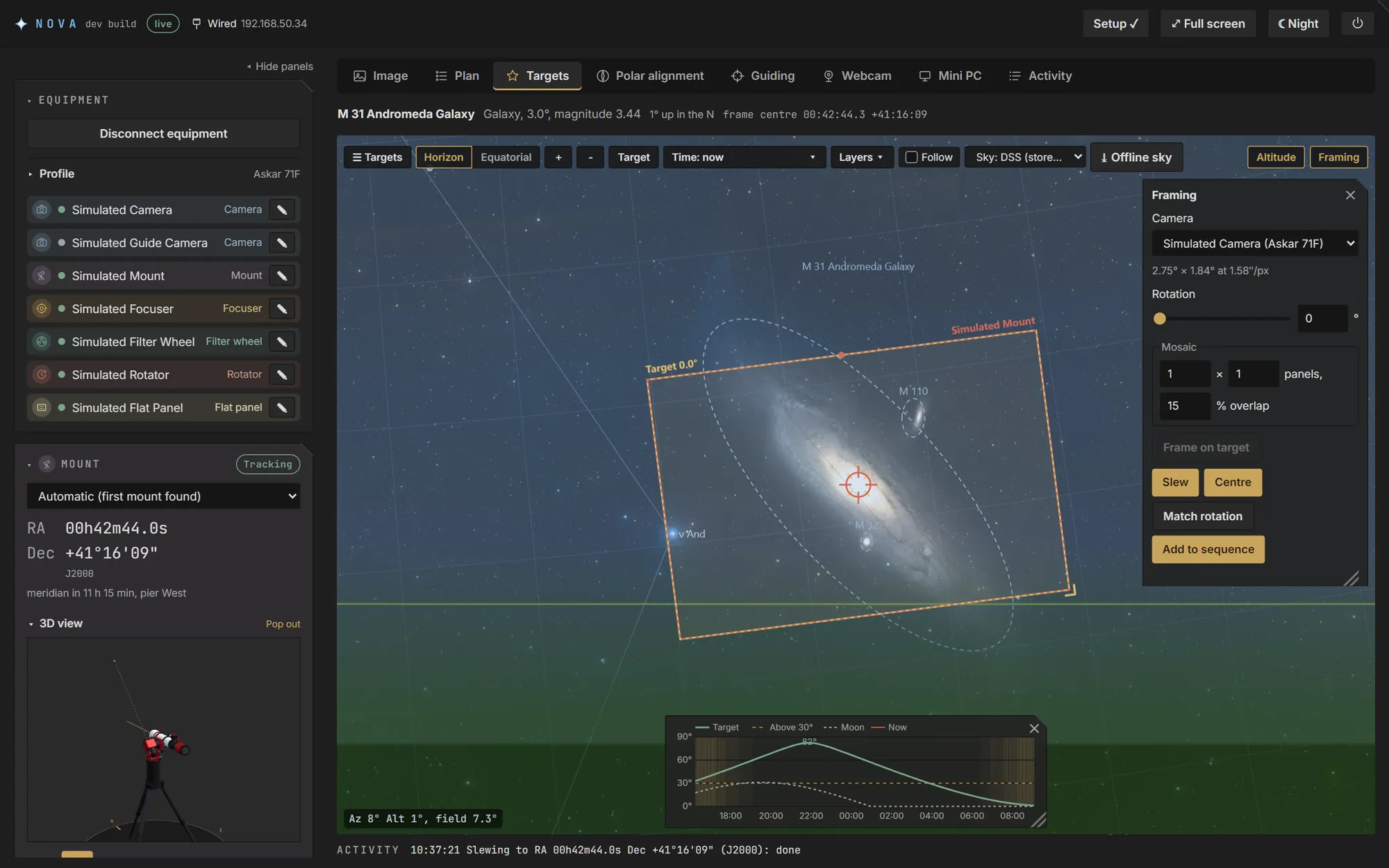
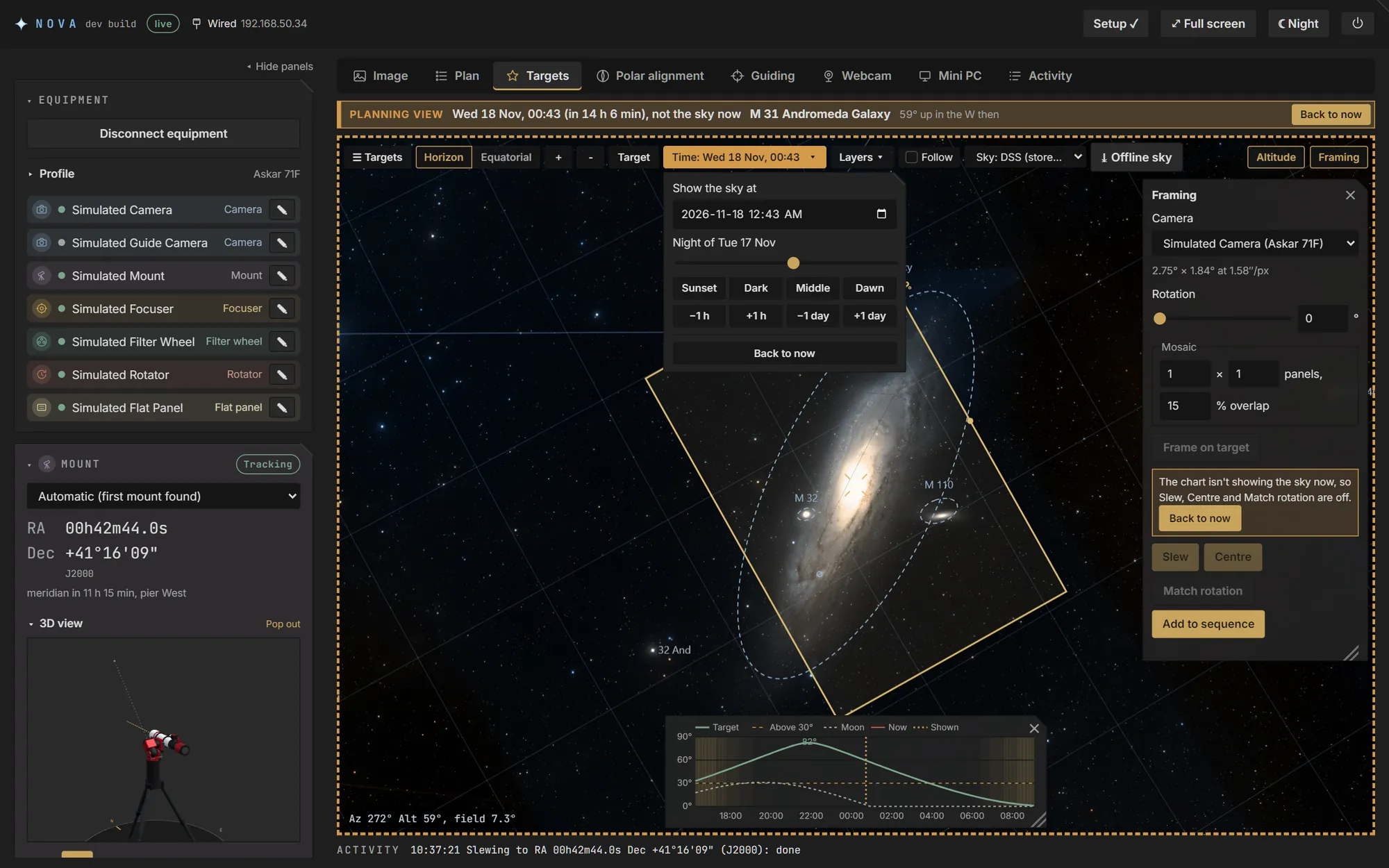
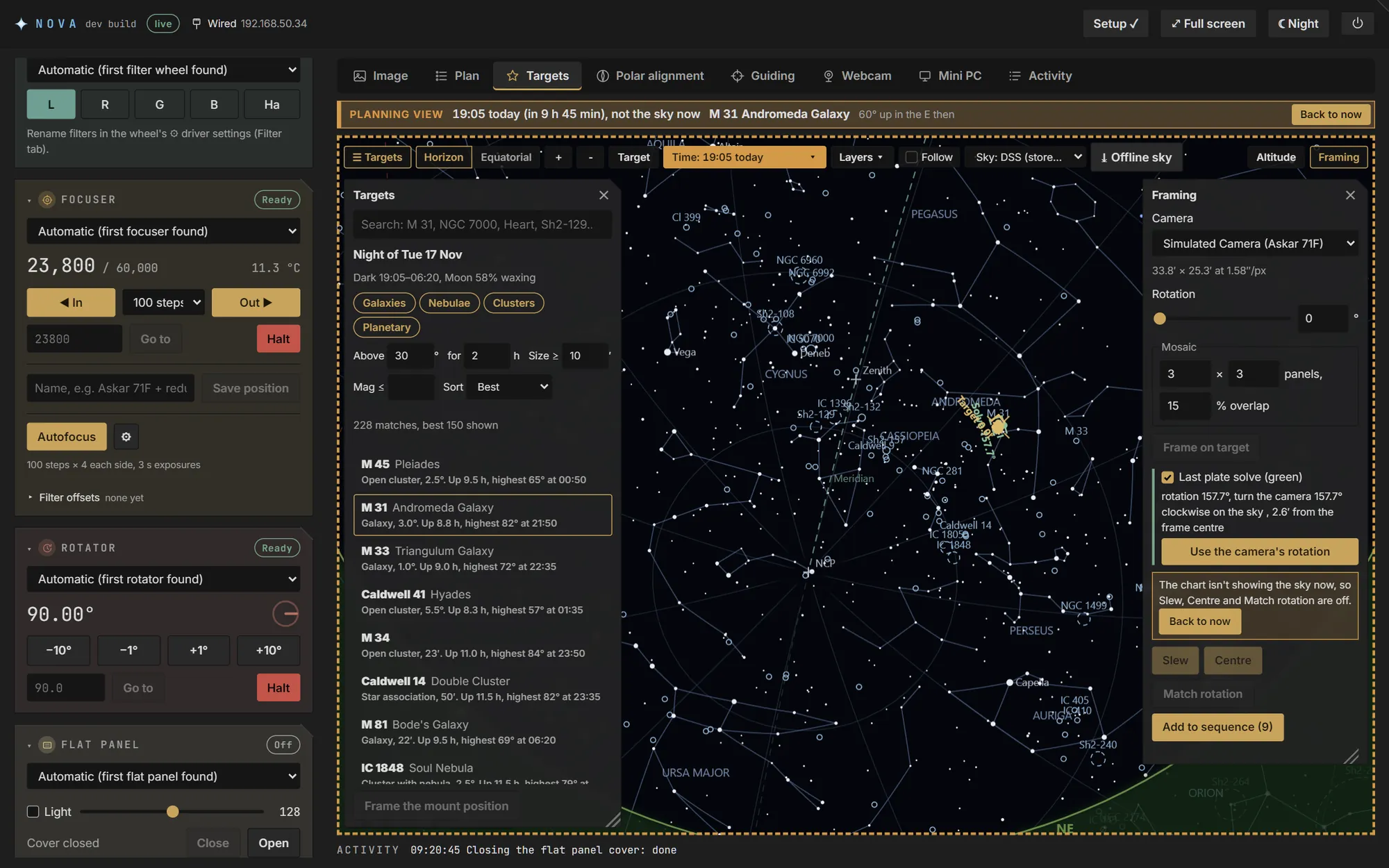
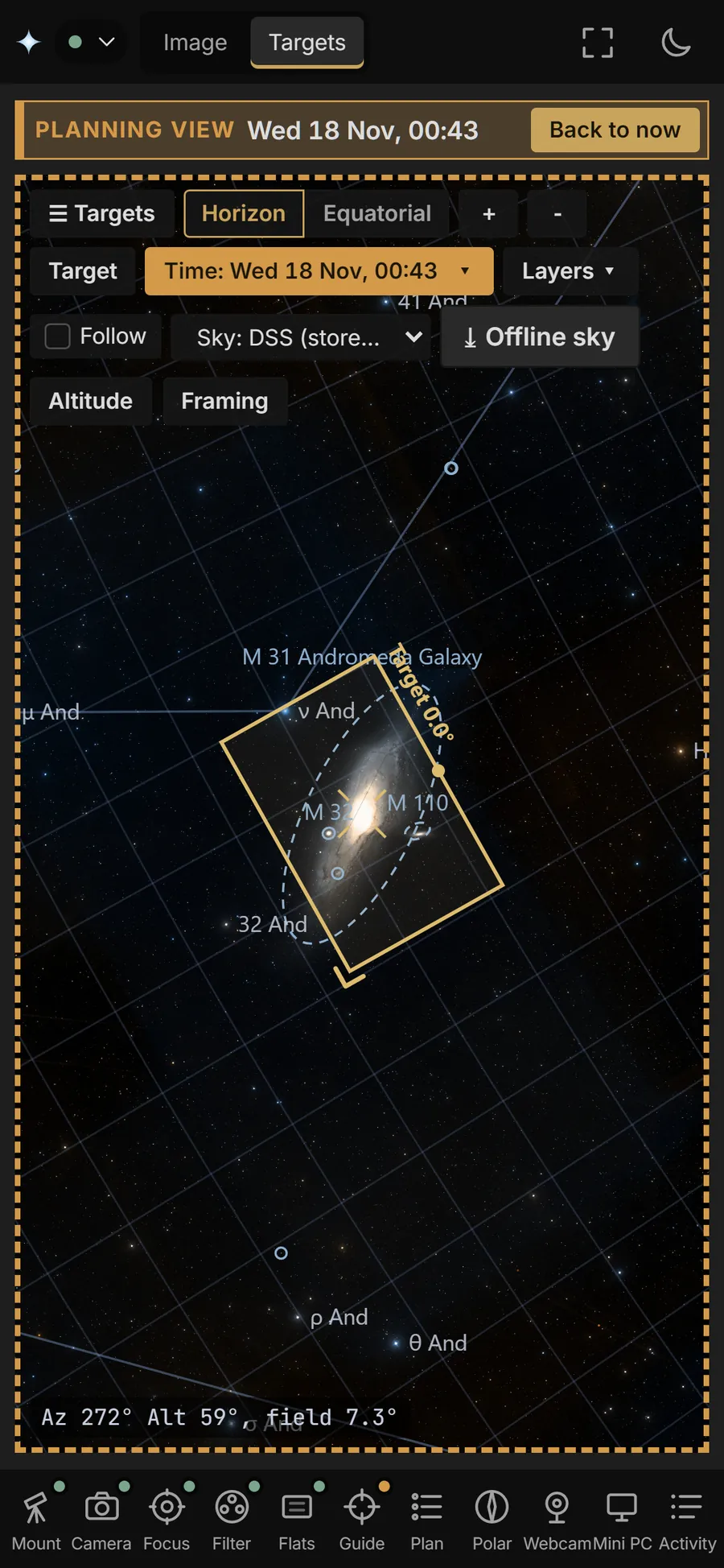
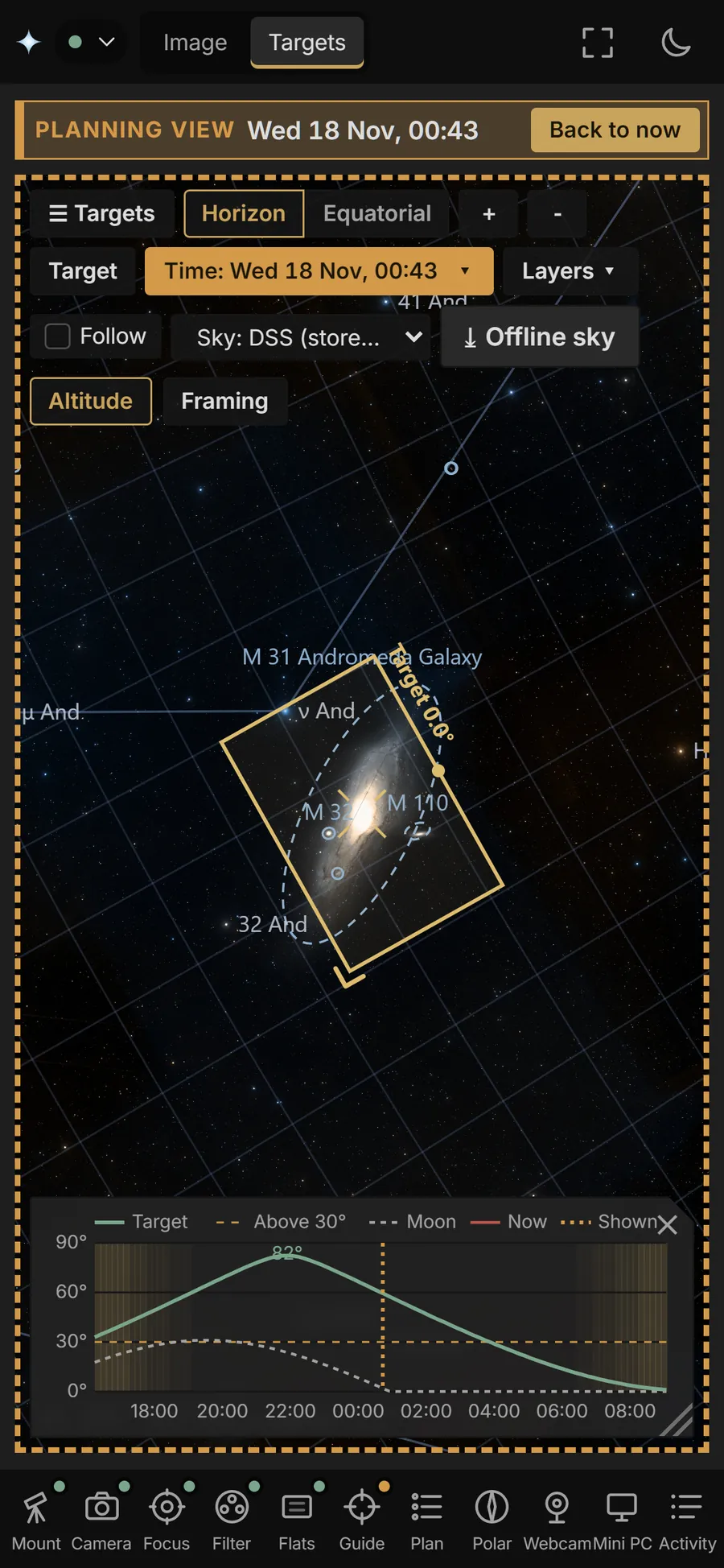
Offline catalogues, tonight's best targets for your site, a sky chart with survey imagery, framing with rotation and mosaics, and the sky at any other time to plan before it's dark.
A night unattended over several targets: centring, autofocus with filter offsets, guiding, dithering, meridian flips, flats, the camera's rotation matched for each target, and a stop at dawn.
NOVA's own guider, with predictive PEC for strain-wave mounts, Dec backlash compensation and a guiding assistant. Or PHD2, running on the mini PC and shown in a tab.
V-curve autofocus, and polar alignment by three points or with the camera on the pole, with the error shown live as you turn the knobs.
INDI drivers chosen on the page, profiles to switch between setups, and ZWO AM3, AM5 and AM7 mounts over USB or Bluetooth.
No internet needed. A red night mode. Its own Wi-Fi hotspot when the site has none. Frames saved to the mini PC or straight to a USB drive, and a message to your phone when the night is done.
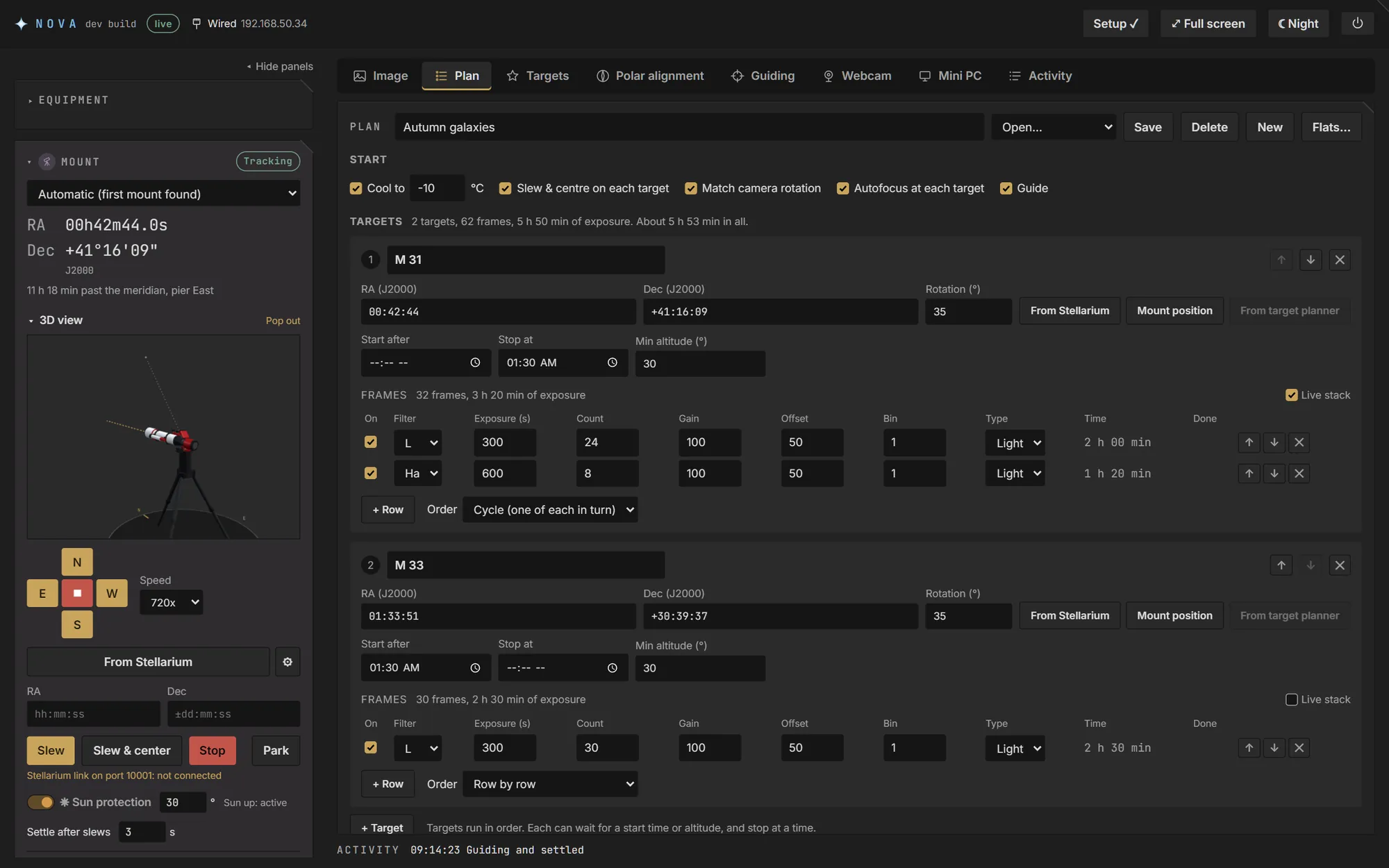
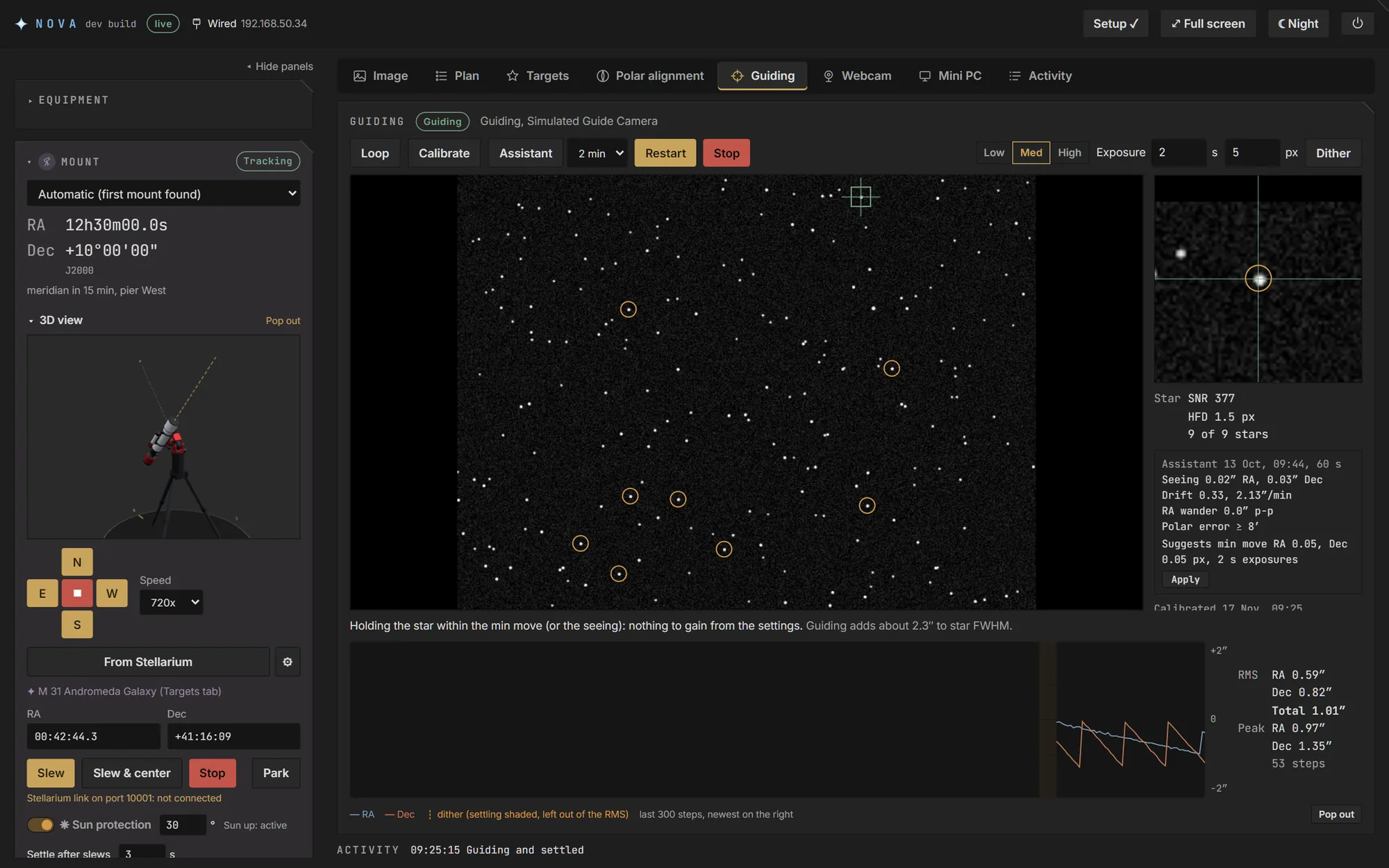
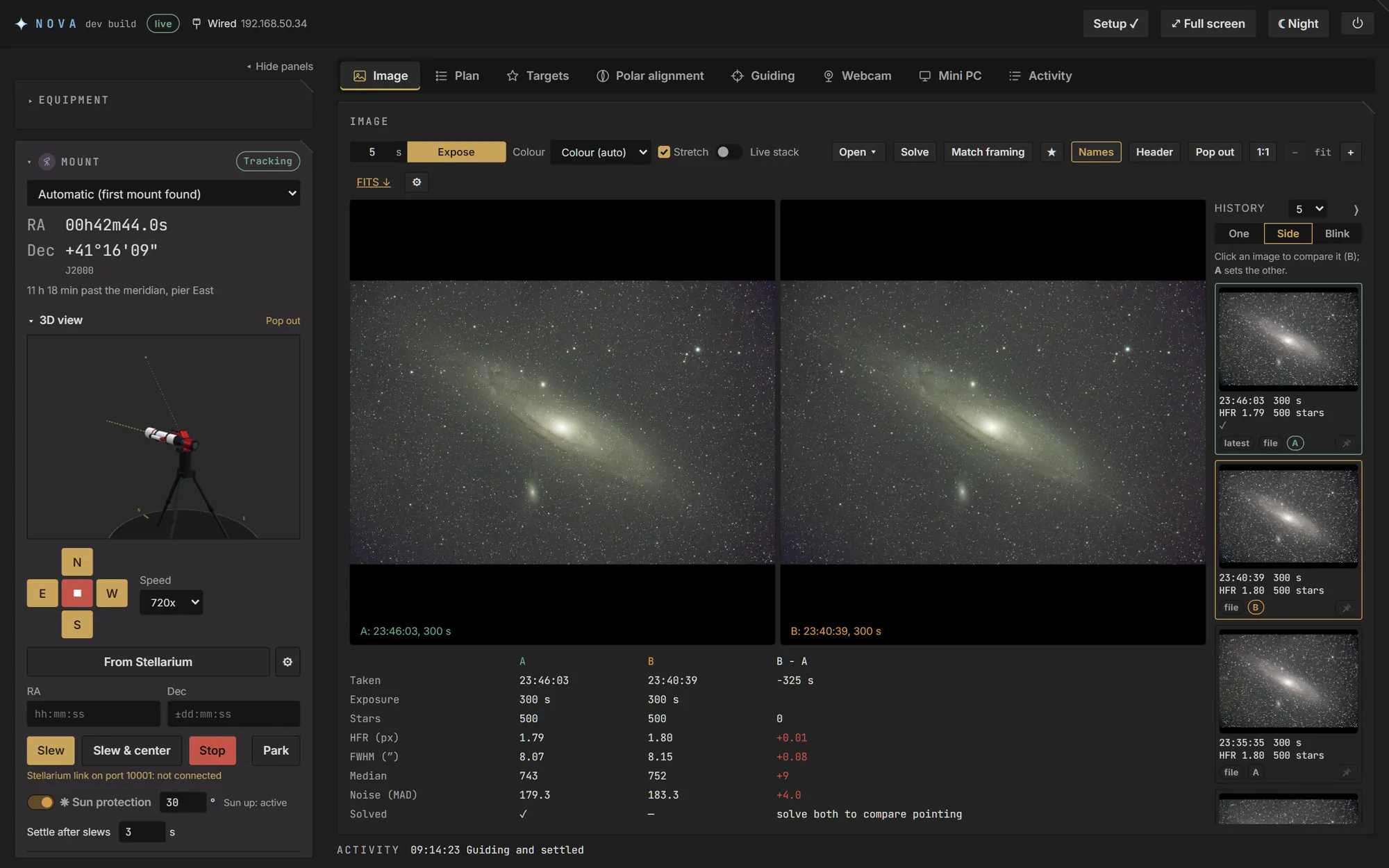
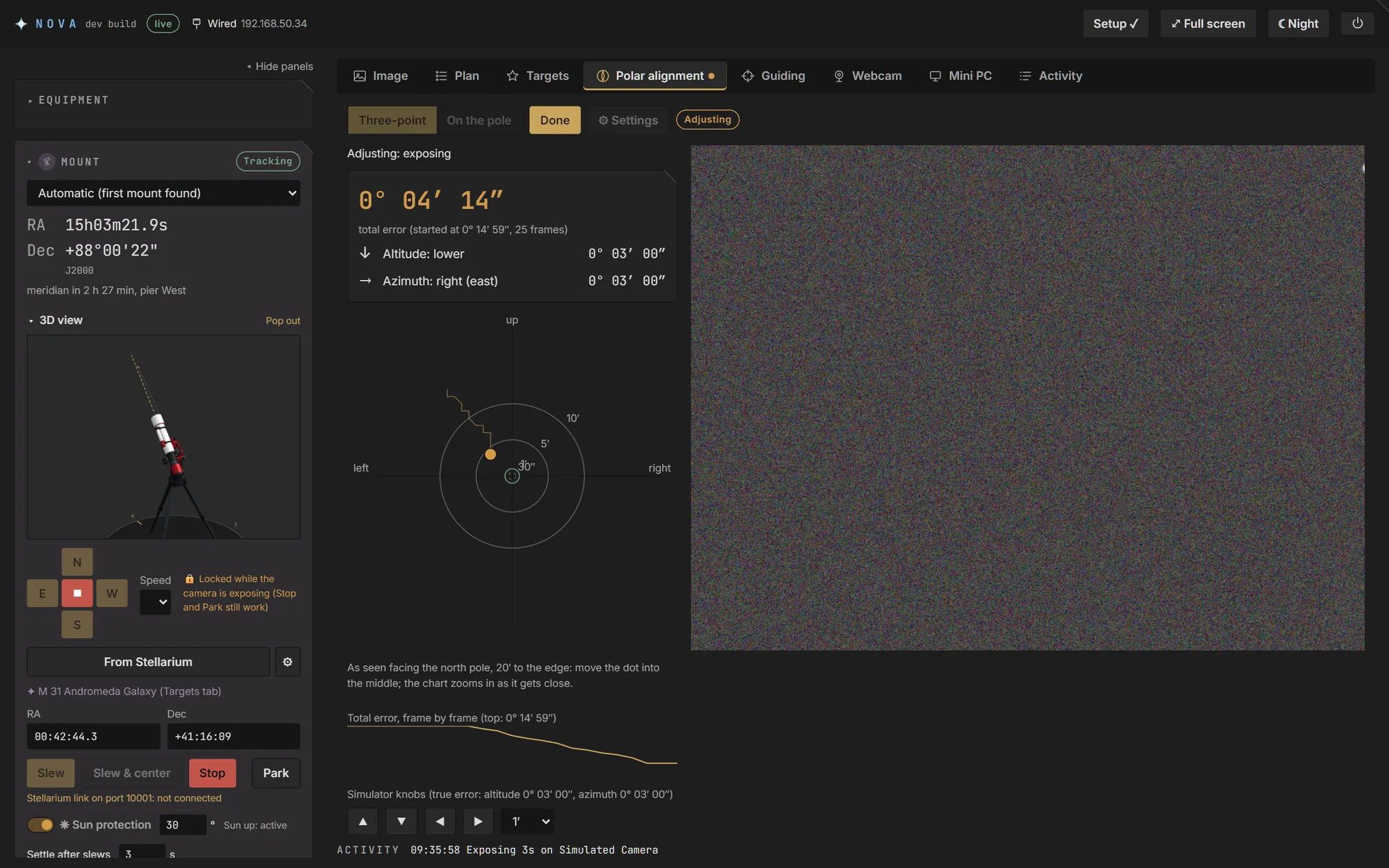
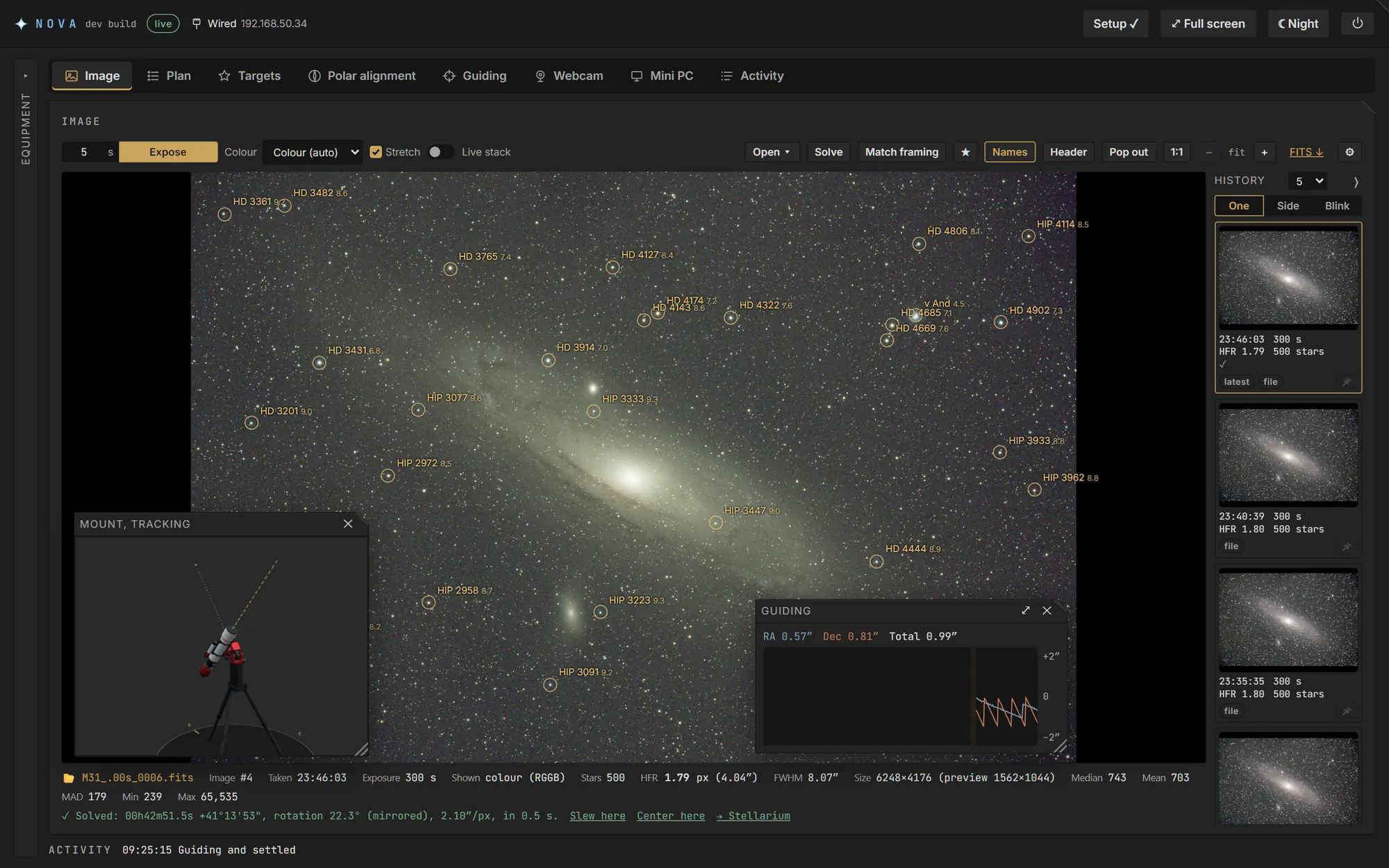
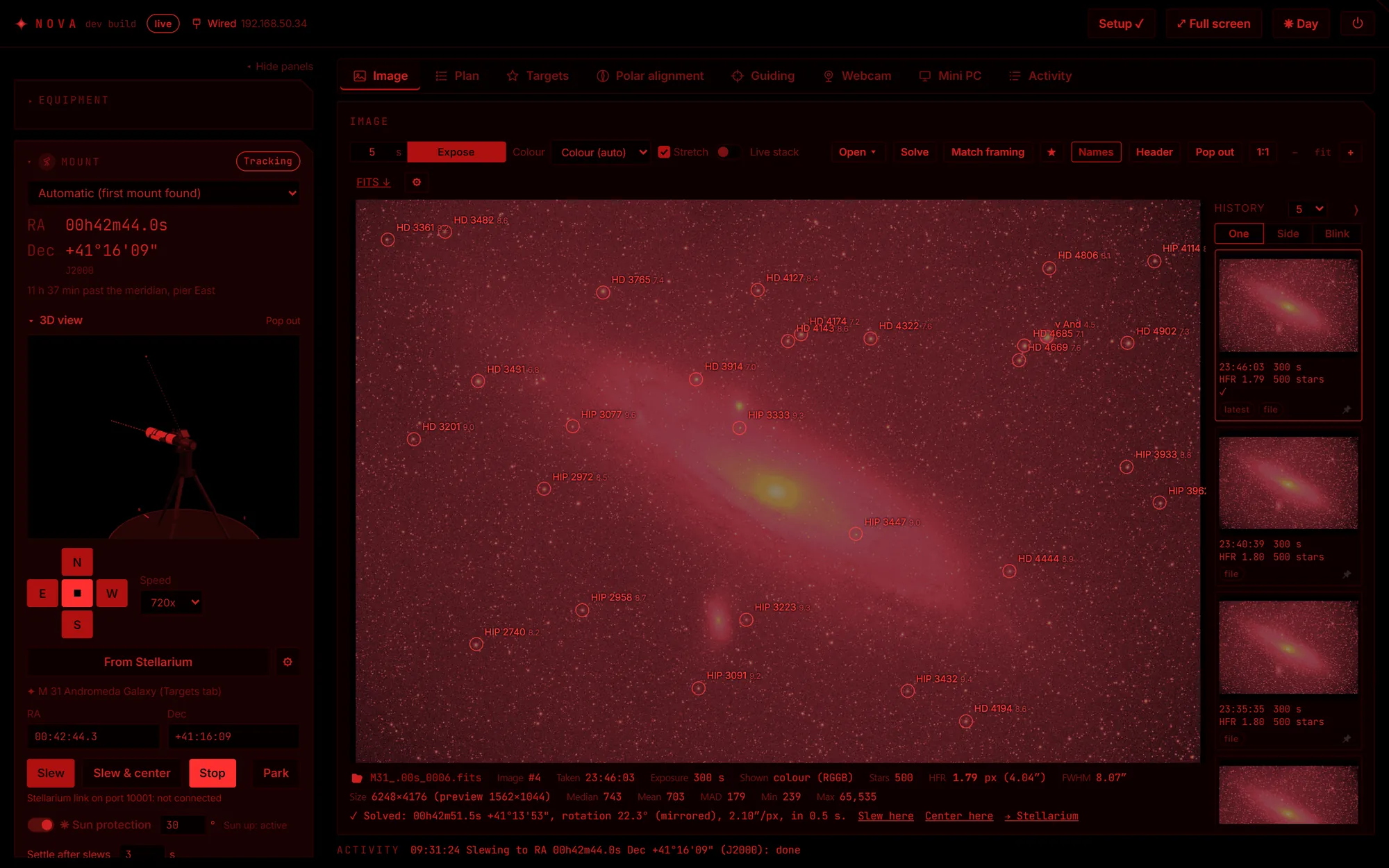
On a touch screen NOVA switches to a compact layout: the image fills the screen and the controls float over it. Added to the Home Screen, it opens like an app.
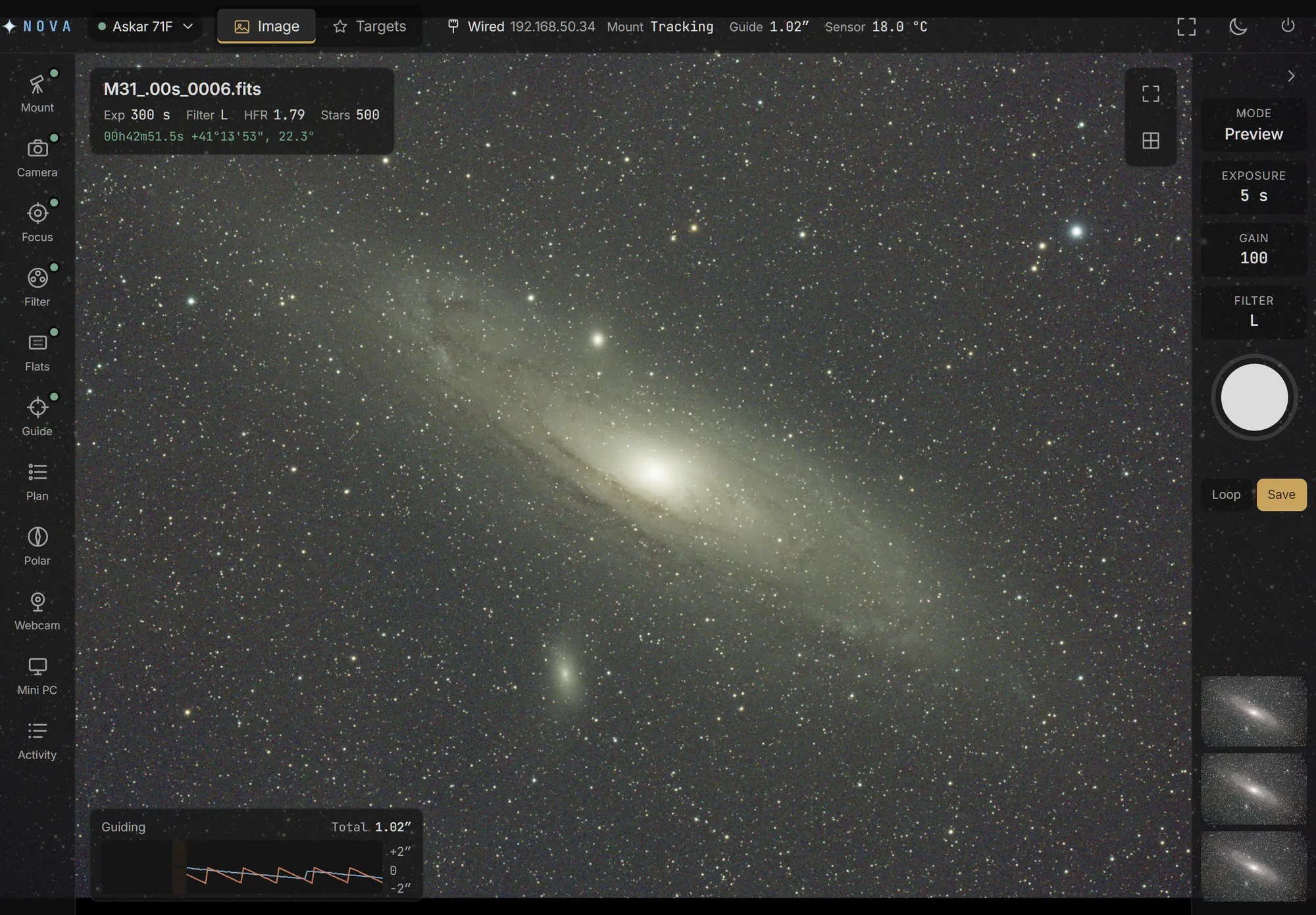
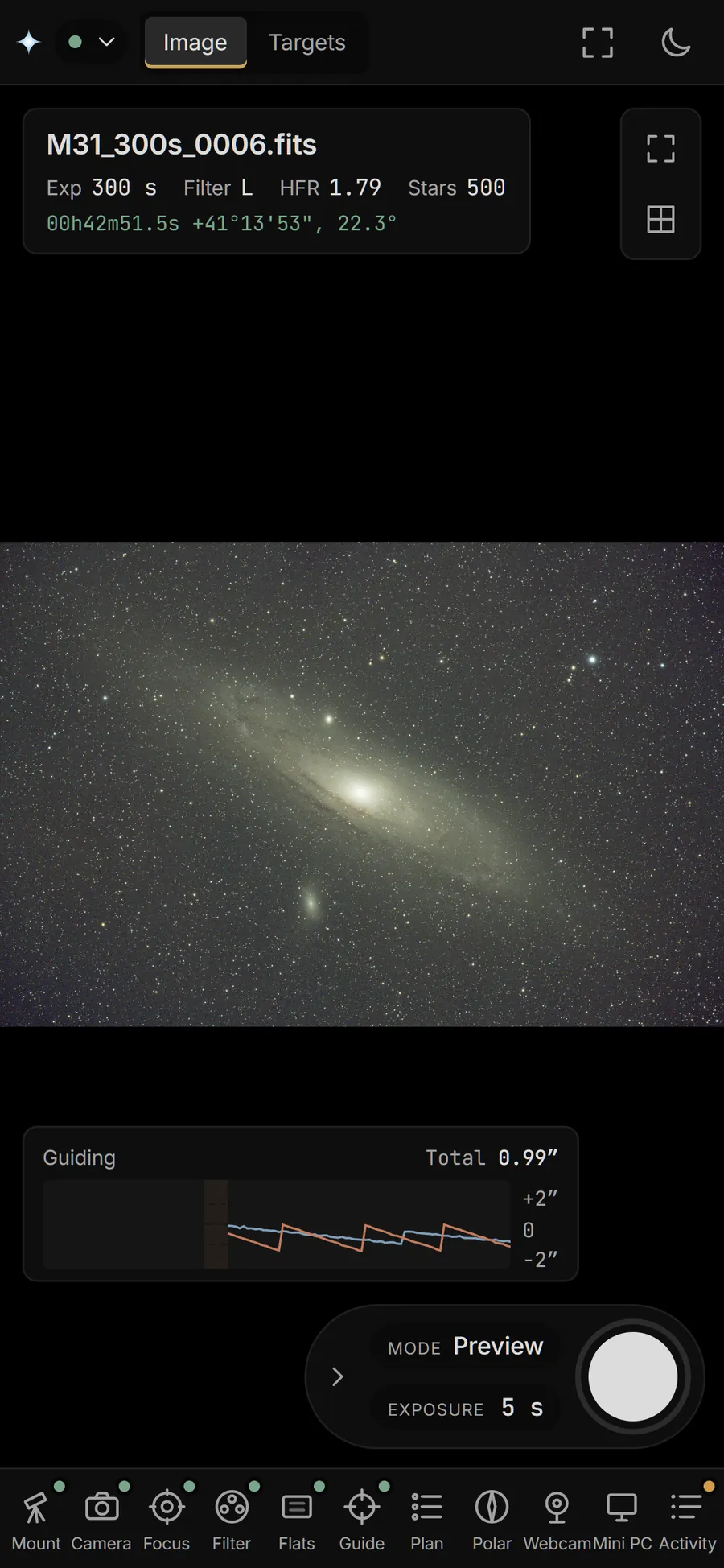
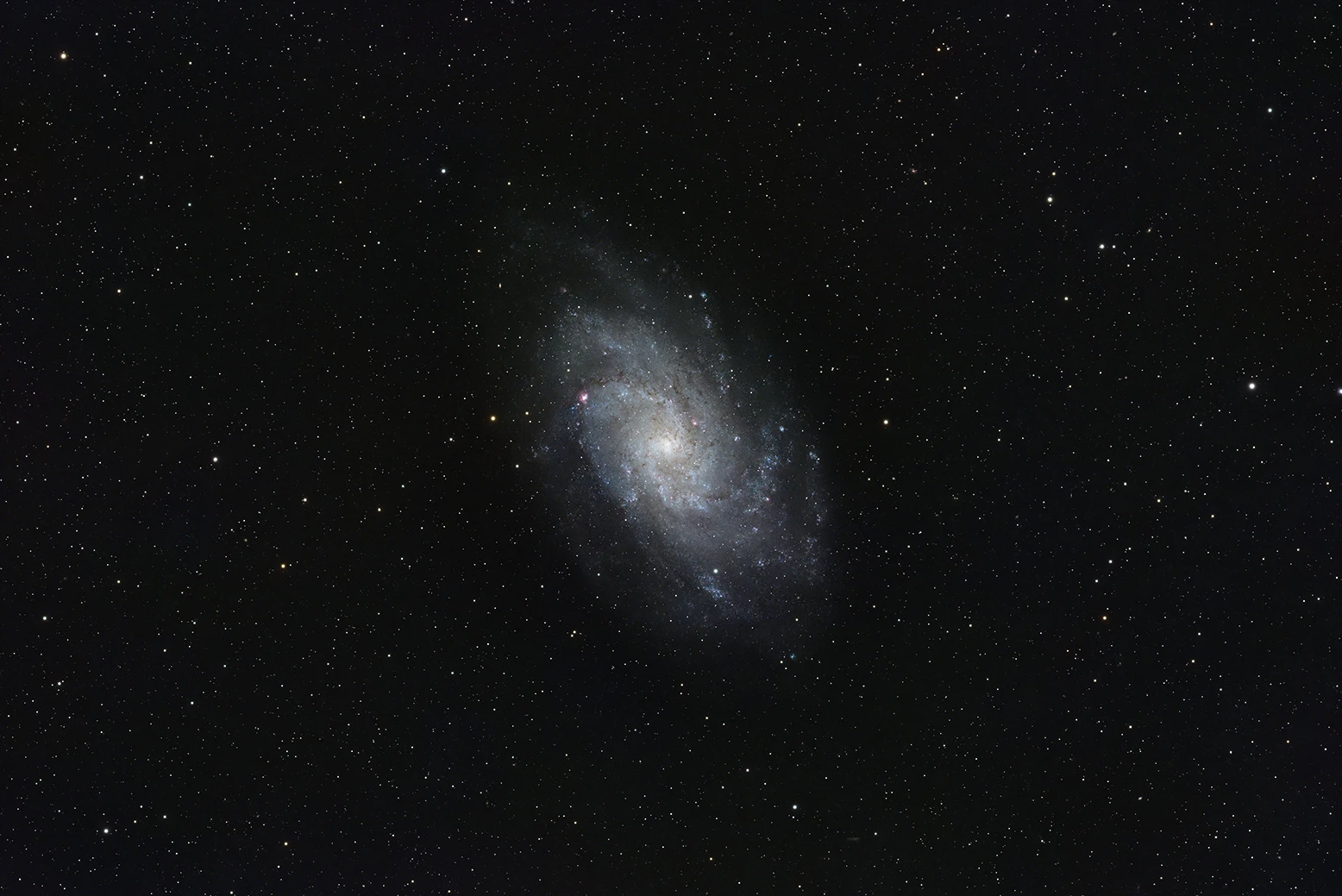
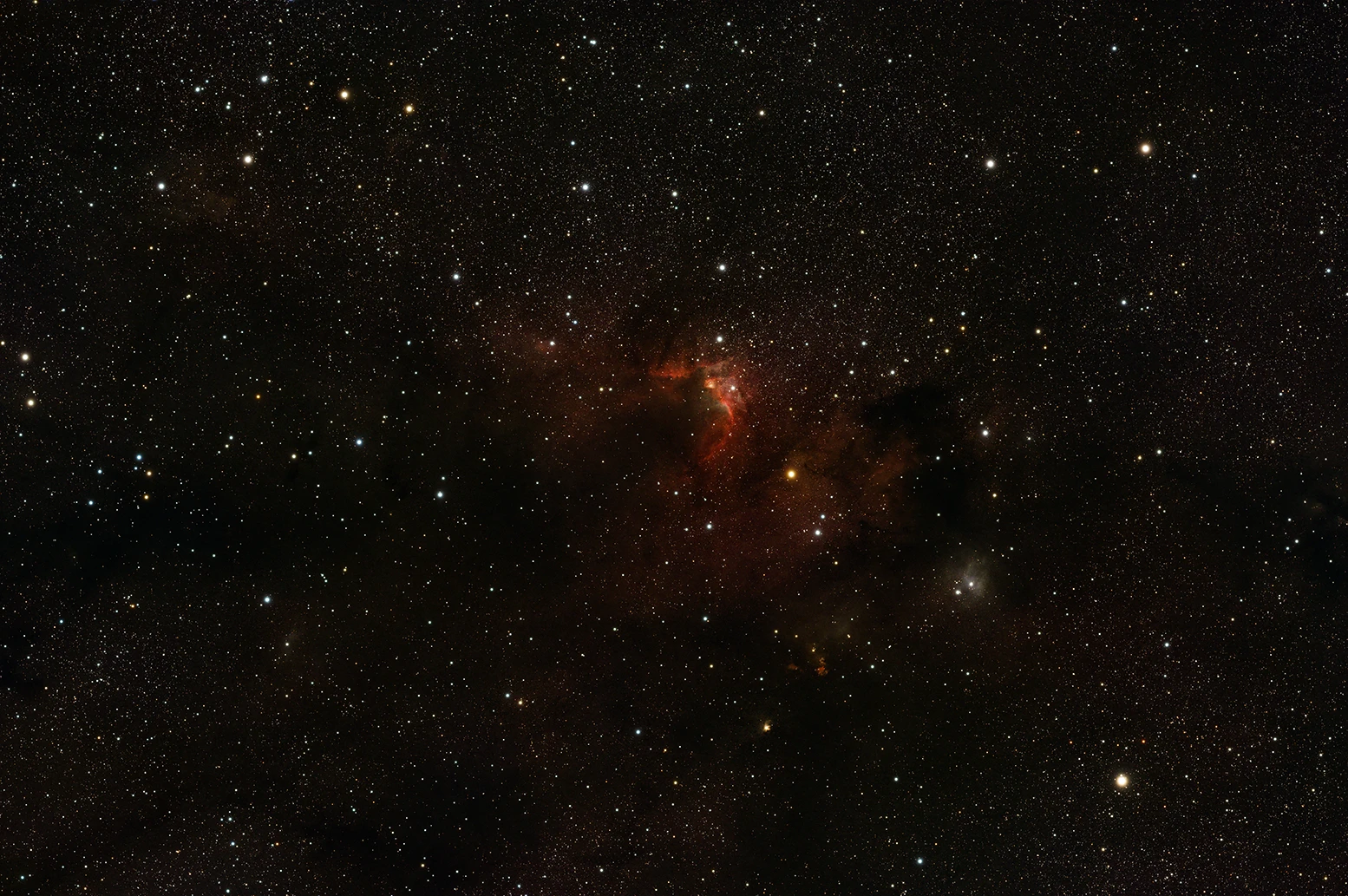
Captured with NOVA and guided by its own guider, on a ZWO AM3 with an ASI2600MC Pro.
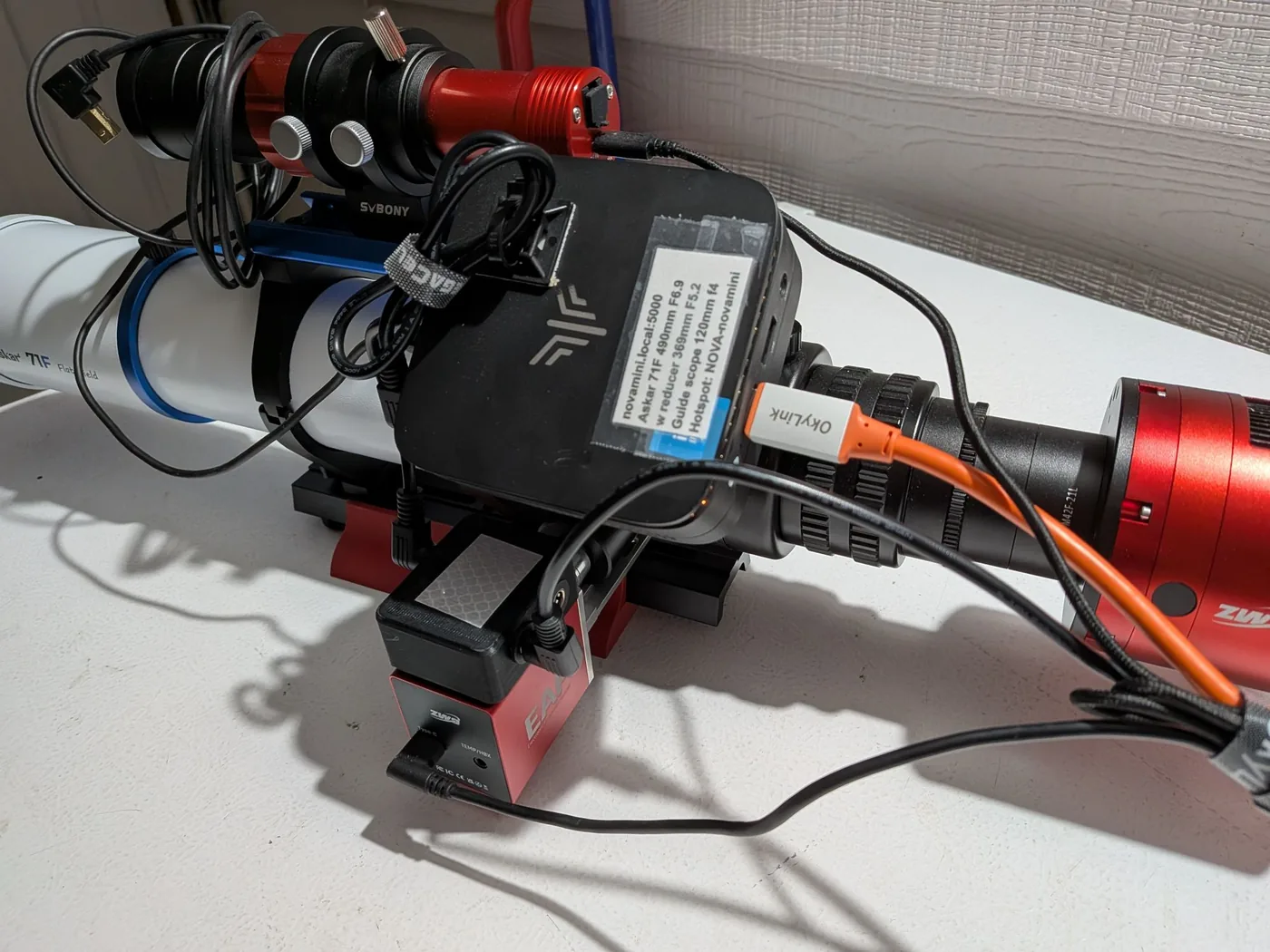
A used ex-office mini PC is cheap, fast and ideal, and small 12 V ones can ride on the telescope. A Raspberry Pi 4 or 5 works too. See Choosing a computer.
On a 64-bit Arch, Debian 13, Raspberry Pi OS (trixie) or Ubuntu 26.04 system:
sudo apt install git             # Arch: sudo pacman -S --needed git
git clone https://github.com/geoffpedder/nova-astro.git && cd nova-astro
deploy/setup.sh
setup.sh installs INDI and your equipment's drivers, the ASTAP plate solver, PHD2 and NOVA
itself. Then open http://<name>.local:5000, where a Getting started checklist takes you
through the rest.
Later, nova update installs new releases and nova doctor checks everything.
Every part of the page, from the first run to unattended sequences.
How it compares with an ASIAIR, or N.I.N.A. over Remote Desktop.
Everything the page does goes through a plain HTTP API you can use too.
What changed in each release.
NOVA is young. It's developed with a ZWO AM3 mount and an ASI2600MC Pro, and tested against INDI's simulators. Reports of how it works with other equipment are very welcome, on GitHub.